
Dim – Destiny Item Manager

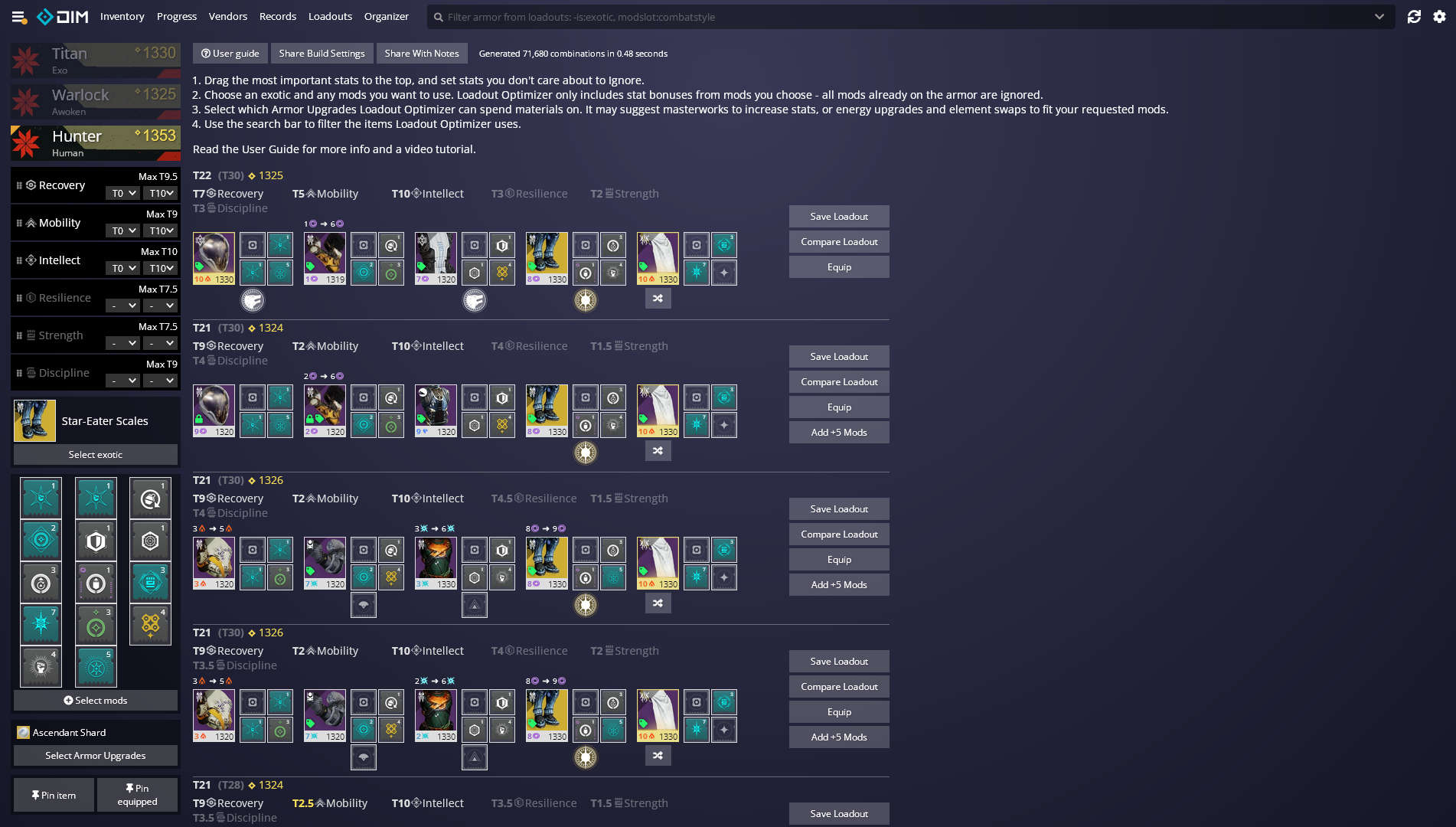
Destiny Item Manager (DIM) is a free, open-source web application designed to help players of Destiny and Destiny 2 manage their in-game inventories more efficiently. It operates as a progressive web app (PWA), accessible via any modern browser on PC, tablet, or mobile device, and can also be installed for an app-like experience on platforms like Chrome, Edge, and Safari .Destiny Item Manager
Manage Destiny 2 Gear with Destiny Item Manager | Fast Inventory, Loadouts, and Progress Tracking
Key Features
Security and Privacy
DIM uses Bungie.net’s official API to interact with your Destiny account, ensuring secure access without requiring your login credentials. You grant permission through Bungie’s OAuth system, and you can revoke access at any time via your Bungie.net account settings.
Getting Started
- Visit the Website: Go to https://destinyitemmanager.com.
- Launch the App: Click on “Launch DIM” to open the application.
- Authorize Access: You’ll be redirected to Bungie.net to authorize DIM to access your account data.
- Manage Your Inventory: Once authorized, you can start managing your inventory, creating loadouts, and exploring other features.
For more detailed guidance, you can refer to the User Guide and join the DIM Discord community for support and discussions.
DIM is widely regarded as an essential tool for Destiny players, streamlining inventory management and enhancing the overall gaming experience.
Sponsor


